
Company admins [new]
⚠️ This article references the new permissions system. Front companies using the legacy version of permissions and roles can view the instructions here.
Overview
Company admin permissions grant a user the highest level of access in Front. Enable this setting for individuals who need comprehensive control and oversight of the entire Front workspace.
Due to the breadth of control and access to sensitive information, company admin permissions should be granted to users who can manage the Front platform effectively for the entire organization.
To manage permissions for non-admin teammates, or to grant specific company-level permissions, use teammate groups.
Enabling the company admin setting
You must be a company admin to manage this setting for other users.
Step 1
Click the gear icon, navigate to company settings, then select Teammates.
Step 2
Select the teammate you’d like to edit.
Step 3
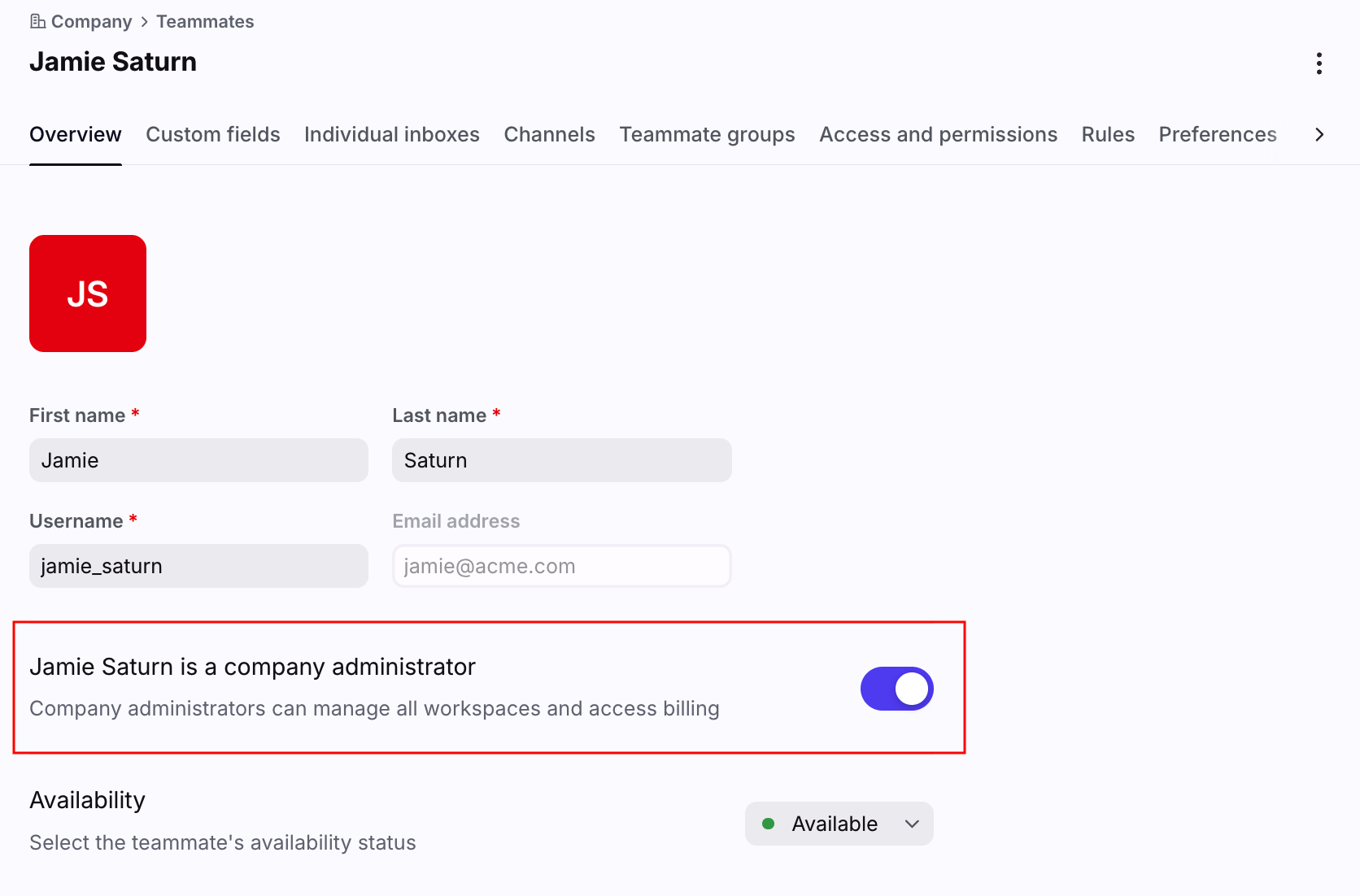
In the Overview tab, toggle on the [teammate name] is a company administrator setting, then click Save.
Step 4
This teammate now has company admin permissions and can manage all company and workspace settings.
Company admin permissions
Company admins can view and manage all resources (shared inboxes, conversations, teammate data, etc.) in your Front workspace.
Additionally, the following company-level settings are available to company admins:
Company macros*
Company admin-only integrations in the App store
Contacts settings
Company preferences
Developer settings (build custom apps and manage API tokens)
*These features are available on the Enterprise plan. Some legacy plans may also have these features.
See this article for the full list of company and workspace settings.