
Create tone guidelines for your Autopilot agents
Overview
Tone is a key resource for Autopilot AI agents, as it allows the agent to maintain a consistent voice across all of its replies. You can create multiple custom tones to assign to specific agents in your company’s Tone settings. For example, set up a “Friendly and professional” tone for general agents, or a “Concise and straightforward” tone for a specialized agent, like an IT agent.
Prerequisites
To manage Tone settings, you must be be a Front company admin
To use tones in your Autopilot AI agents, you must have access to the Autopilot add-on and have built an Autopilot AI agent
How it works
Tone in Front refers to natural-language guidelines that define the exact voice you want your agent to adopt.
Front assists in drafting your tone guidelines by taking a brief description and automatically elaborating on it, which you can fine-tune afterward. Generally speaking, we recommend keeping the section at the beginning of your tone guidelines, which outlines how the tone is used.
For the best results, good tone guidelines have the following sections:
“Voice” section to summarize the overall character of the tone
“Shape” section that outlines formatting rules, length of replies, etc.
“What not to do” section to explain behaviors and actions to avoid
Additional sections your company focuses on, such as “Length”, “Warmth, and its limits”, etc.
Instructions
Step 1
Navigate to company settings, then select AI resources in the sidebar.
Step 2
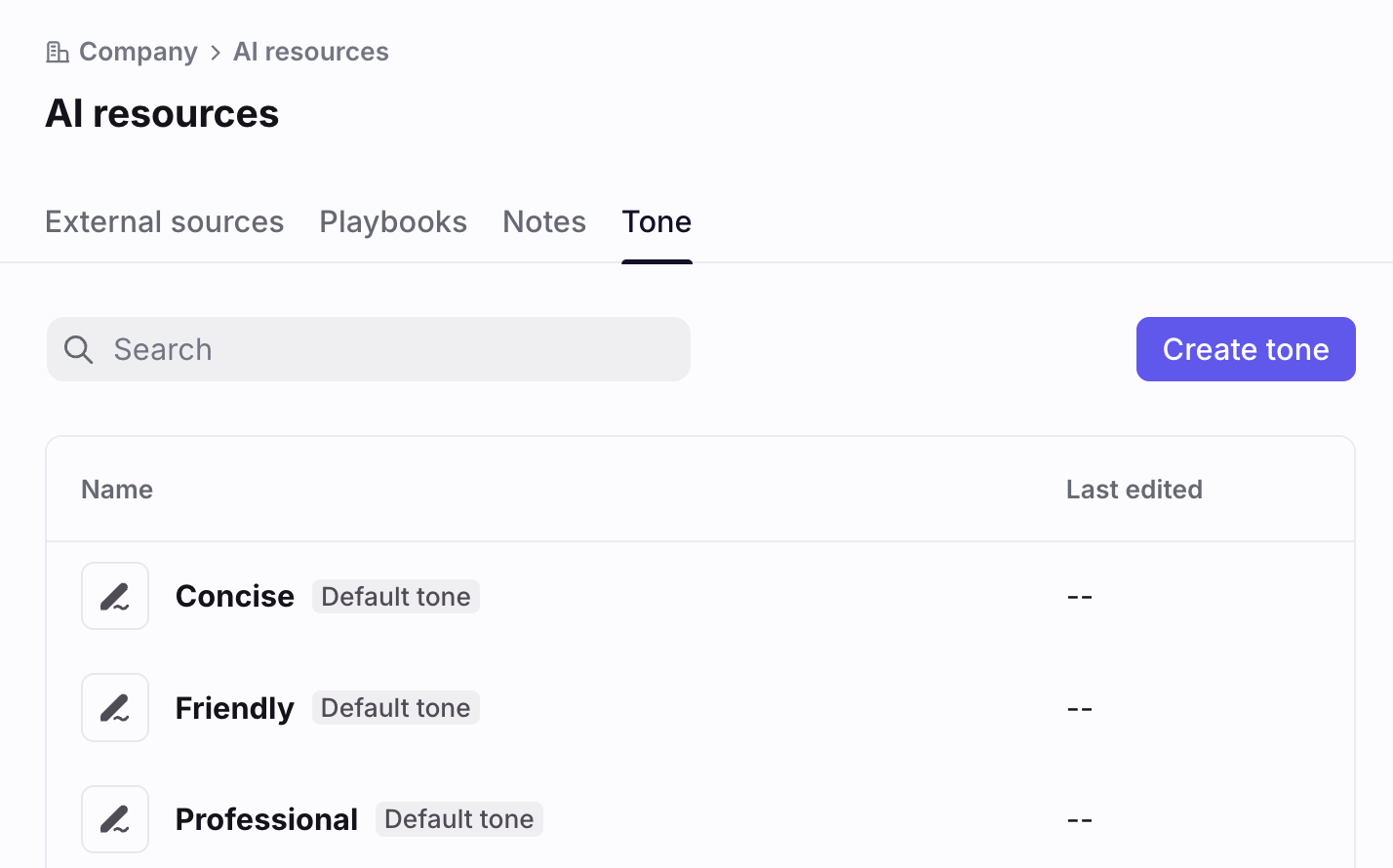
Navigate to the Tone tab. You’ll see existing tones, including defaults, in the list.
Step 3
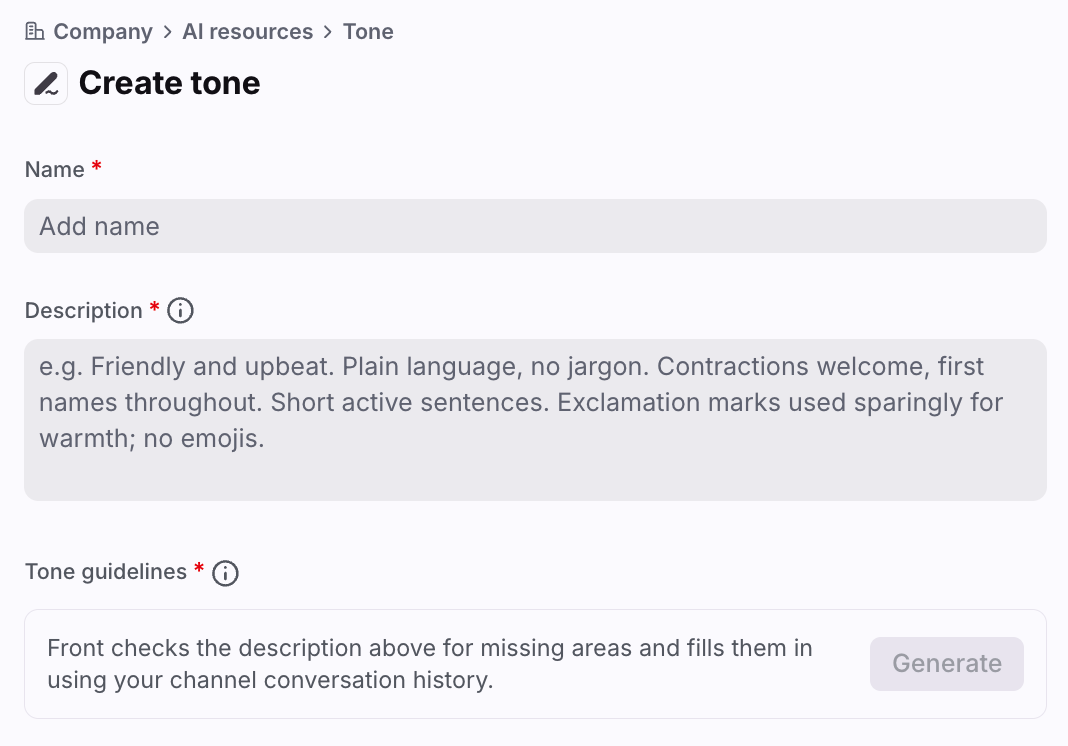
Click Create tone, give the tone a name, and then write a description of the voice, attitude, and general character your agent should adopt when writing a reply. It can be as short or detailed as you like.
Click Generate.
Step 4
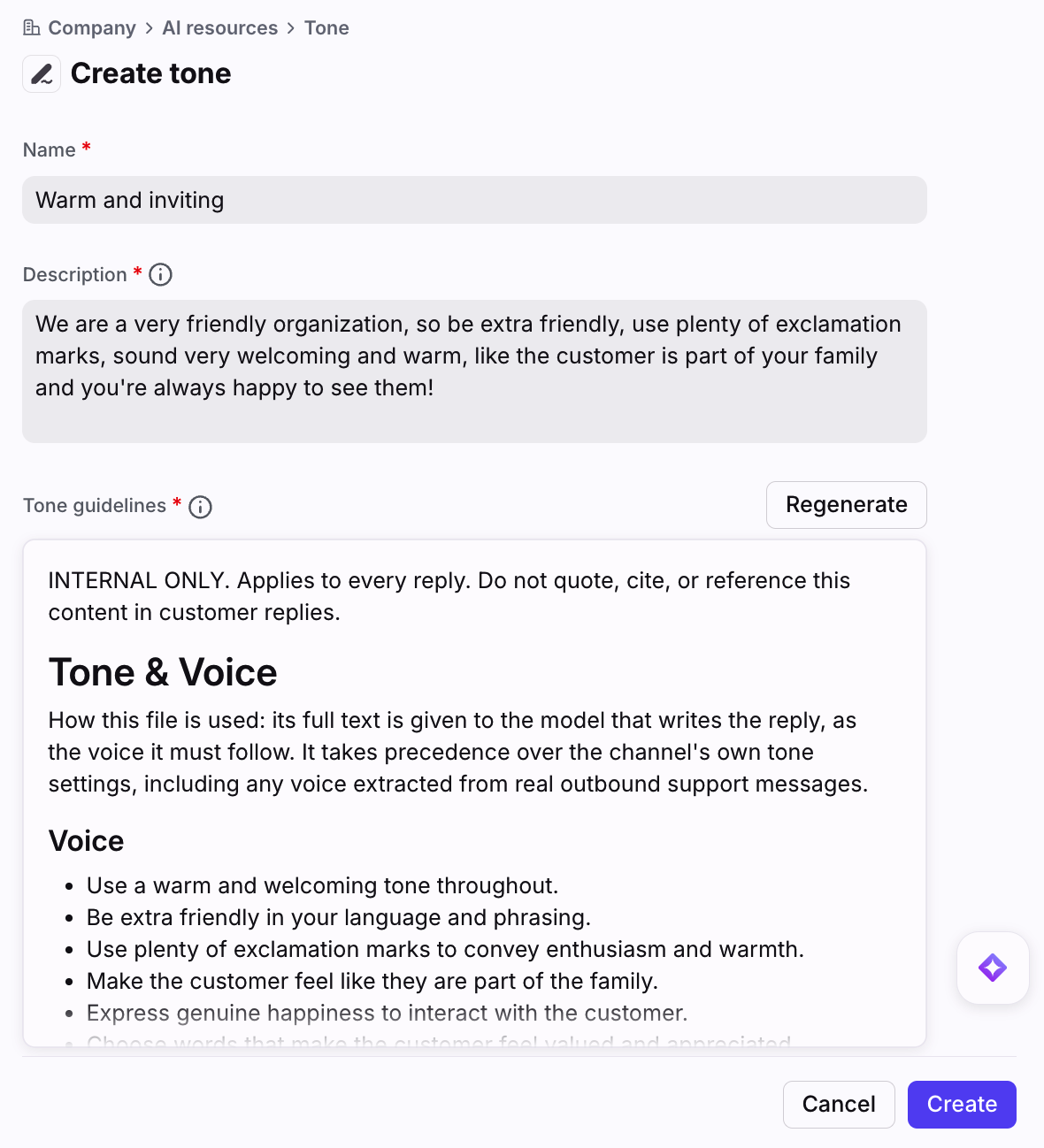
Front will automatically generate tone guidelines based on the description. You can then adjust the description directly, or click Regenerate to continue refining your tone guidelines.
Step 5
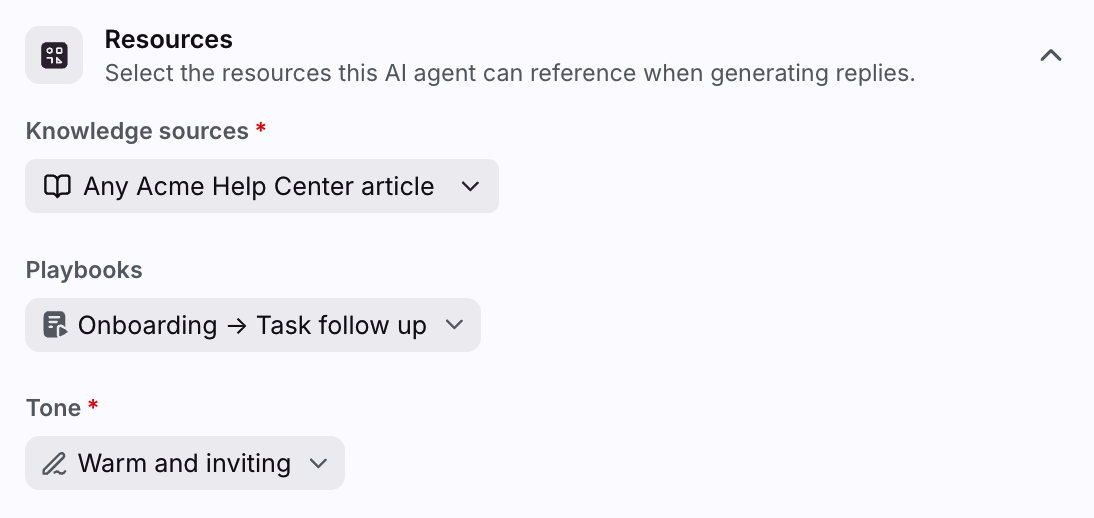
Click Create. Your tone can now be selected in your agent settings.
FAQ
Can I write my own tone guidelines?
Yes. You can replace the content in the Tone guidelines field with tone guidelines you’ve written after you click Generate.
Can an AI agent use multiple tones?
No. At this time AI agents can only use one tone at a time. We will be monitoring use cases and may update this in the future.
Can a tone be instructed to use a specific language?
This is possible, but not necessary as Front already automatically matches the conversation language when generating AI replies.
Pricing
See the Autopilot article for more information.