
Analytics conversations export
Overview
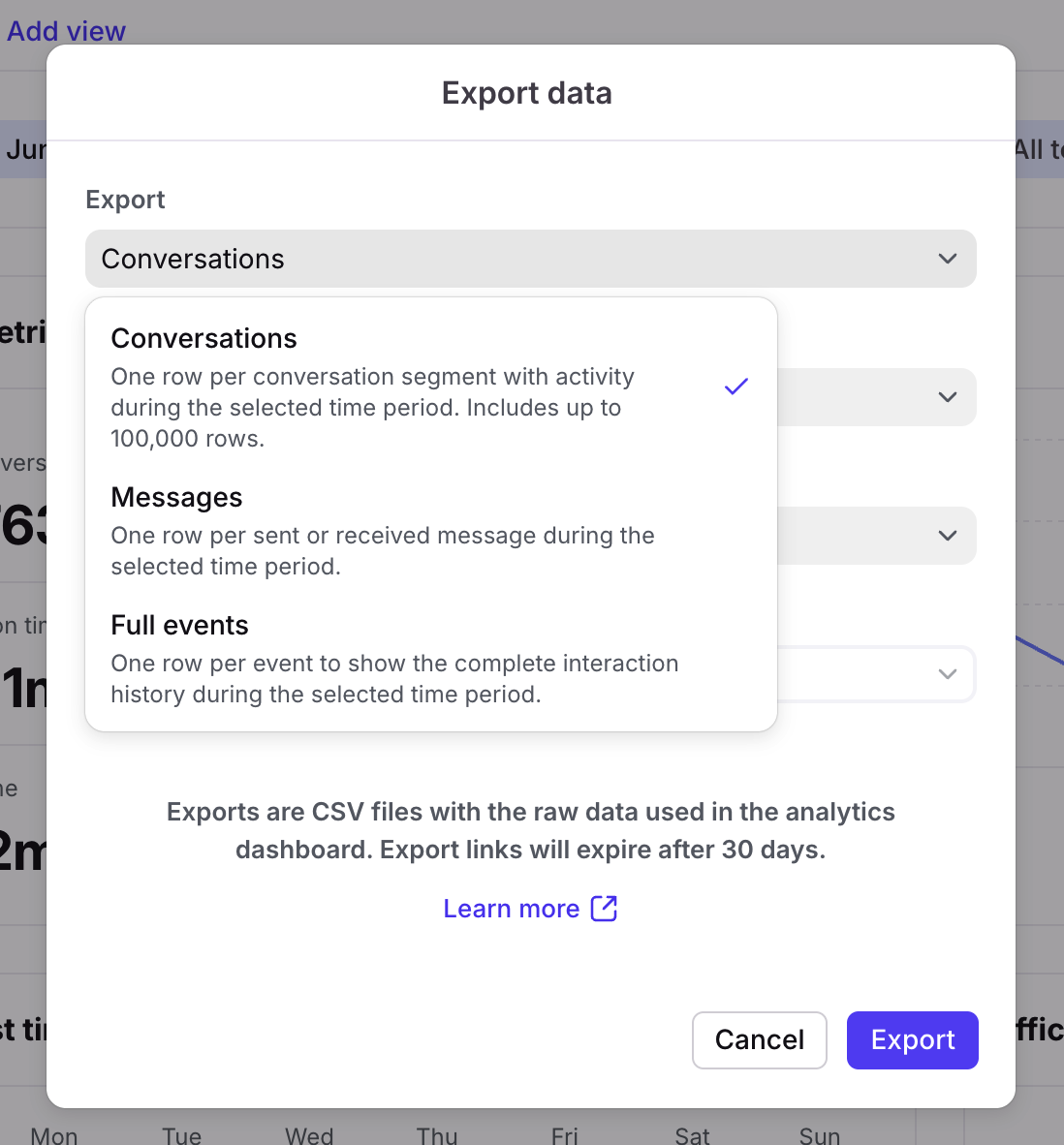
The Conversations export is one of the export types when you export an analytics report. This file gives you a clean conversation-level view of your data.
The exported file contains one row per conversation segment with activity during the selected time period, up to 100,000 rows.
The export currently supports up to 31 days of data per export. If your selected date range is longer, please narrow the date filter before exporting.
All timestamps in the file are formatted as YYYY-MM-DD HH:mm:ss, in the requested user's time zone. Information provided reflects the conversation segment data at the time the export was generated.
Additional columns will be added to the export in future updates.
Exported fields
Conversation ID*: Internal Front ID of the conversation.
Segment ID: Represents a conversation segment, by concatenating the conversation ID and segment number. This is the basis for the calculation of all segment-level metrics.
Segment: Segment of the conversation.
Ticket IDs: Ticket IDs attached to the conversation.
Subject: Subject of the conversation.
Segment start date: The date and time of the first activity for any new segment.
Segment end date:
If segment is currently open: The date and time the segment is expected to close (moved to inactive state). This date can change if additional activities are added to the segment.
If segment is closed: The date and time the segment closed.
Status: Current status of the conversation - Archived or Open.
Status at period end: Status of the conversation at the end of the selected time period - Archived or Open.
Ticket status: Current ticket status applied to the conversation.
Ticket status at period end: Ticket status applied to the conversation at the end of the selected time period.
Tags: Tags currently attached to the conversation.
Tags at period end: Tags attached to the conversation at the end of the selected time period.
Topics: Topics currently attached to the conversation.
Assignee: Name of the teammate currently assigned to the conversation.
Assignees during period: Names of all teammates assigned to the conversation during the selected time period.
Segment closed: Indicates whether the segment is currently closed, 1 is yes, 0 is no.
Teammates involved during period: Names of all teammates who touched (performed an action on) the conversation during the selected time period.
Contact names during period: First and last names of contacts involved in the conversation.
Contact handles during period: Email addresses, phone numbers, etc. of contacts involved in the conversation, depending on the source of the message.
Accounts during period: Account(s) the contacts are linked to. Accounts are not retroactively applied to existing messages.
Channels during period: Names of the channels used to send or receive messages in the conversation.
Inboxes during period: Name of the inbox(es) the conversation was located in during the selected time period.
First replied at: Date and time of the first reply to the segment, if applicable.
Last resolved at: Date and time of the last resolution for the segment.
Last resolved by: Name of the teammate who last changed the conversation status to Resolved for the segment.
Last archived at: Date and time of the last archive action for the segment.
Last archived by: Name of the teammate who last changed the conversation status to Archived for the segment.
Last segment activity: Date and time of the last activity in the segment.
Messages sent: Count of messages sent in the conversation segment.
Messages received: Count of messages received in the conversation segment.
Replies to resolution: Number of outbound replies for resolved conversation segments. Data is only available for conversations in inboxes with ticketing enabled. Empty if the final resolution is not in the selected time period.
Suggested replies sent: Count of messages sent using a suggested reply.
First response time: Duration (in seconds) between the first inbound message and first outbound message in the same conversation. Corresponds to first reply time in analytics reports.
Response time: Duration (in seconds) between an inbound message and the next outbound message in the same conversation. Corresponds to reply time in analytics reports.
Resolution time: Duration (in seconds) from the start of a conversation segment to the last resolution. Data is only available for conversations in inboxes with ticketing enabled. Empty if the final resolution is not in the selected time period.
Reply time goal breaches: Count of reply time goal breaches in the segment.
Time in open: Duration (in seconds) that the conversation spent in the default Open ticket status. Empty if the final resolution is not in the selected time period.
Time in waiting: Duration (in seconds) that the conversation spent in the default Waiting ticket status. Empty if the final resolution is not in the selected time period.
Time in resolved: Duration (in seconds) that the conversation spent in the default Resolved ticket status. Empty if the final resolution is not in the selected time period.
Pricing
This feature is available on the latest Professional plan or above. Some legacy plans may also allow access to this feature.