
How to enable and use the GitBook integration
Overview
GitBook helps teams document everything from product knowledge to internal handbooks, creating a central hub for collaborative knowledge sharing. It offers a structured and intuitive way to write, organize, and publish content, ensuring that information is easily accessible and up-to-date for internal teams and external audiences alike.
There are two ways to integrate GitBook with Front:
Adding a Front Chat widget to your GitBook spaces (maintained by GitBook)
Connecting GitBook as a knowledge source for Front AI features (maintained by Front)
Chat widget integration
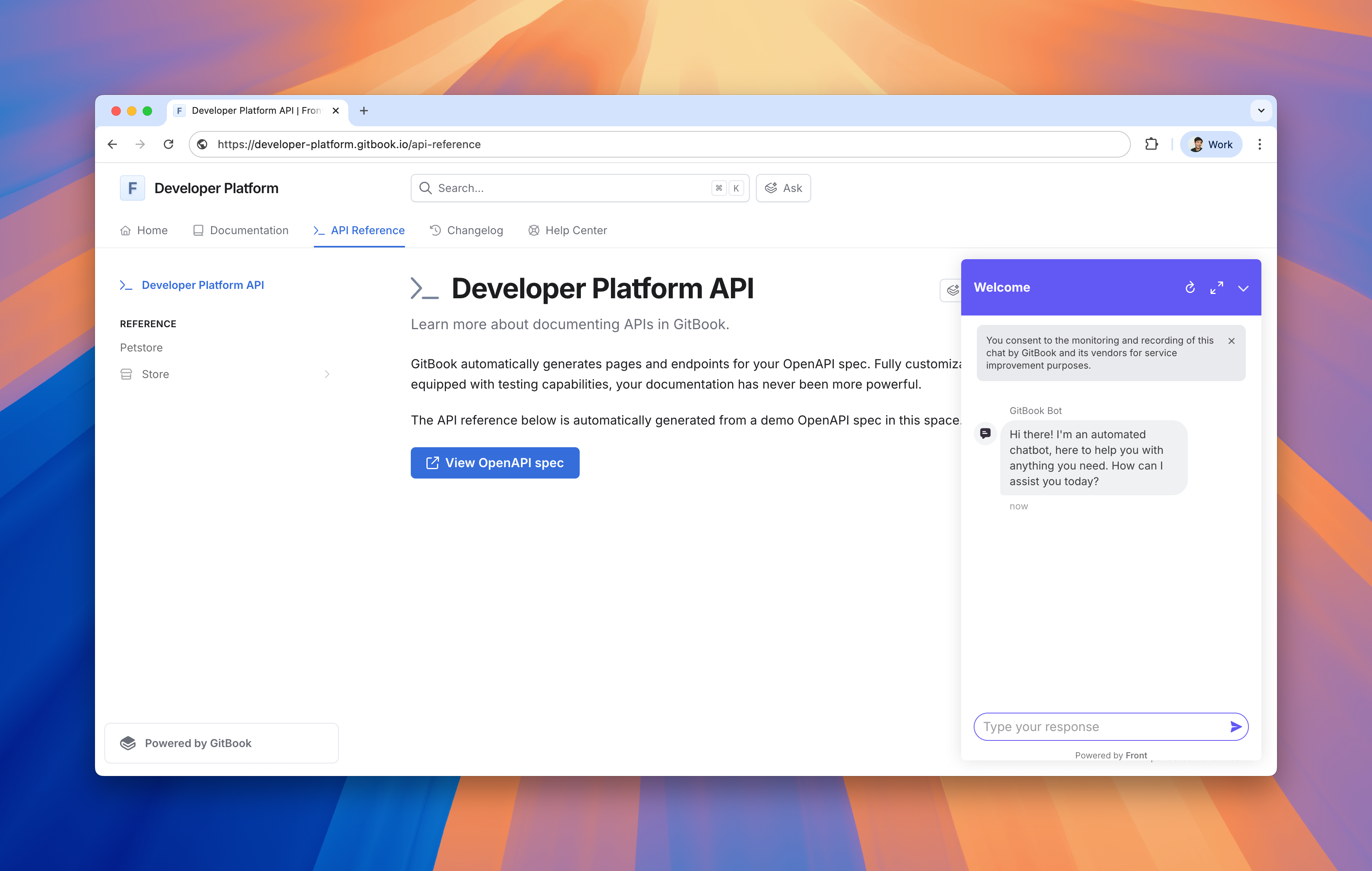
Maintained by GitBook: The Front integration for GitBook allows you to display the Front Chat widget on your public documentation to connect and interact with your readers. Each of your connected GitBook spaces will fetch the Front Chat widget script and inject it in your published content, allowing you to communicate with your GitBook audience directly from Front.
Instructions
Follow GitBook's setup guide to get started.
GitBook developed and maintains this integration, so if you have any questions please reach out to their team at support@gitbook.com.
AI knowledge source
Maintained by Front: To connect GitBook as an AI knowledge source, you will need to generate an API token (Personal Access Token - PAT) from your GitBook developer settings.
Step 1
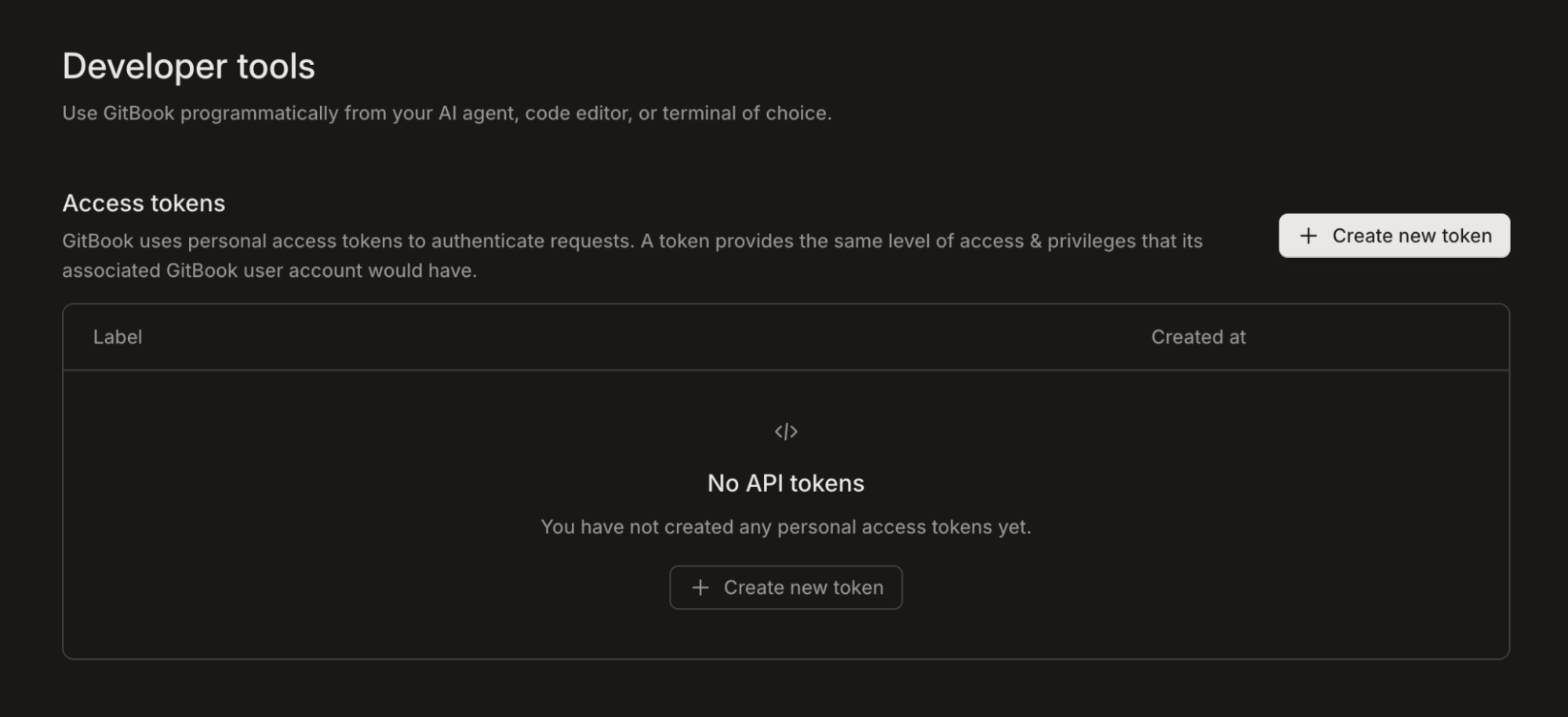
Log in to your GitBook account and navigate to the Developer tools settings page at app.gitbook.com/account/developer.
Step 2
Under the Access tokens section, click Create new token.
Step 3
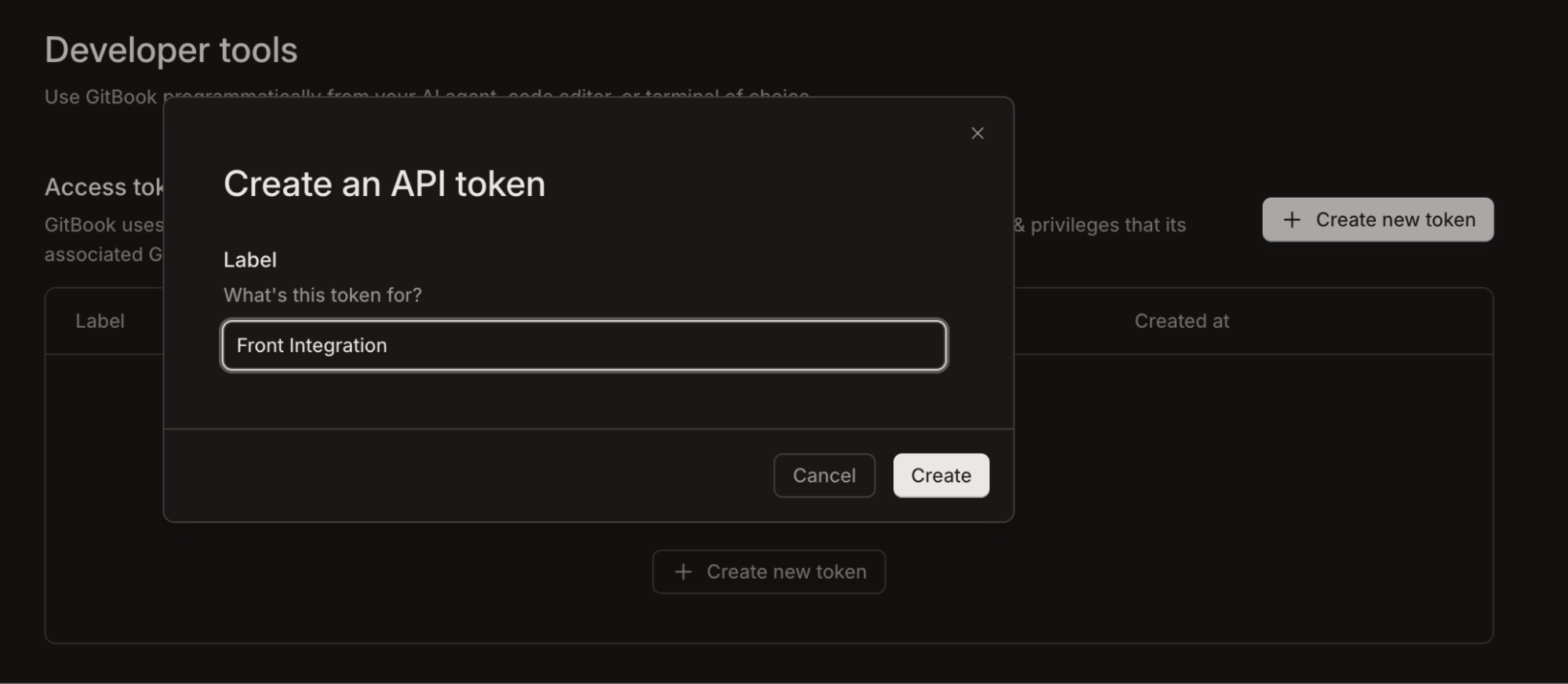
In the Create an API token pop-up window, enter a descriptive name for your token in the Label field (for example, Front Integration).
Step 4
Click Create.
Step 5
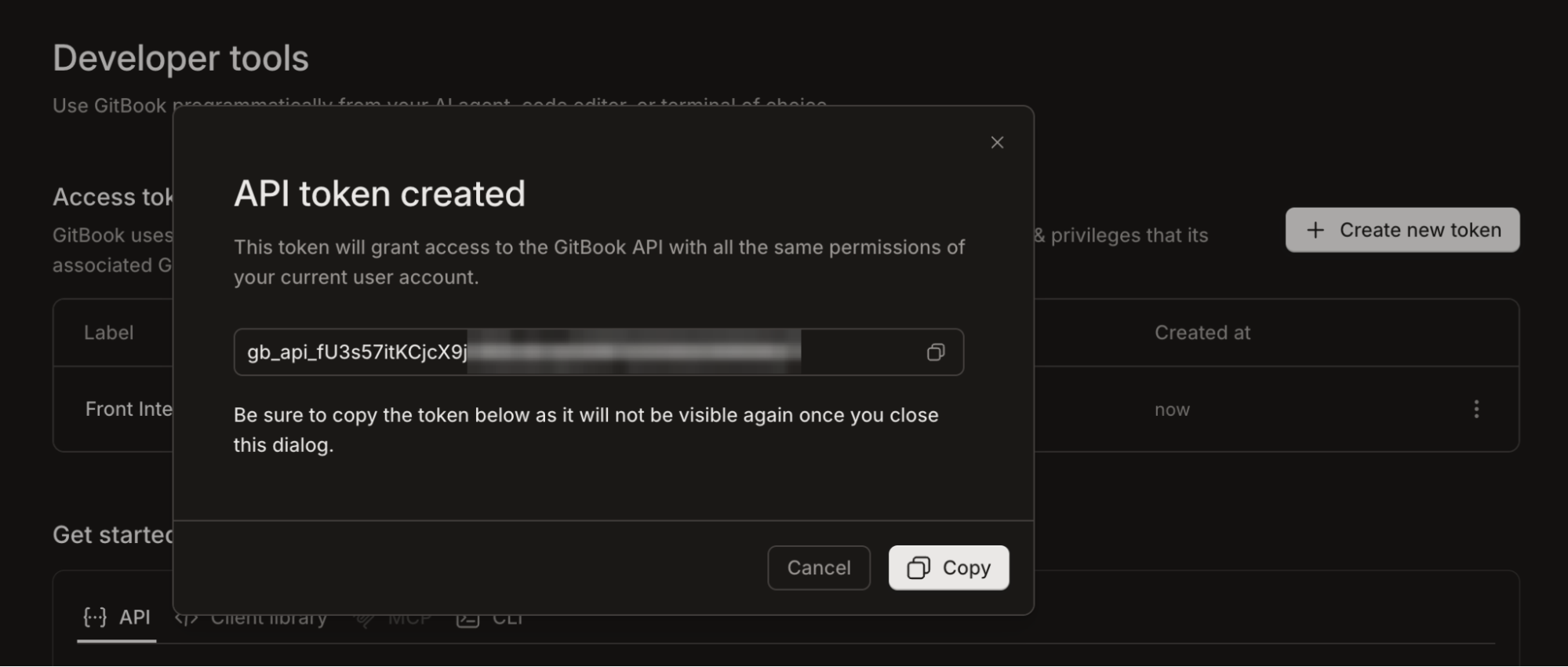
Your new API token will be generated and displayed on the screen. Click Copy to save it to your clipboard.
Important: Be sure to copy the token immediately and save it in a secure location. For security reasons, GitBook will not display this token again once you close the dialog.
Step 6
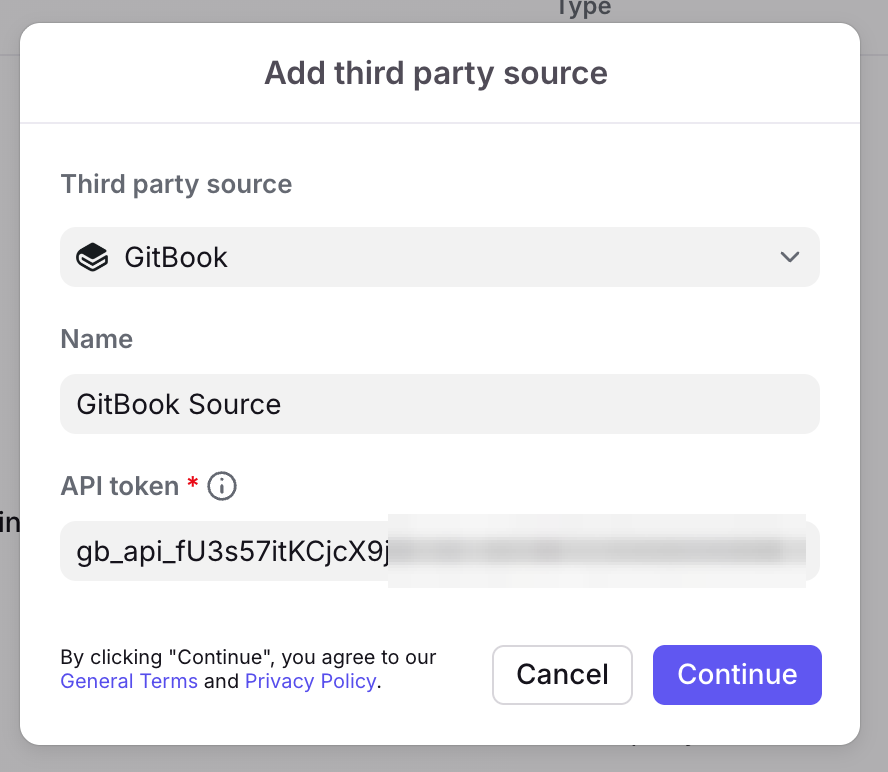
Follow the instructions in this article to add a knowledge source to Front. Paste the GitBook API token in the API token field in Front, and click Continue to proceed.
Step 7
Once configured, you can use GitBook as an AI knowledge source in Front. See this article for more information on using third-party sources with Front AI features.
Pricing
This feature is available on all plans.