
How to enable and use the Cevanos integration
Overview
Cevanos is an AI customer-service agent for support teams. It answers customers on chat, email, WhatsApp, and voice from your own knowledge, and works inside the systems your team already uses. Any action that changes something can wait for a teammate's approval before it is sent, and every read and write is recorded.
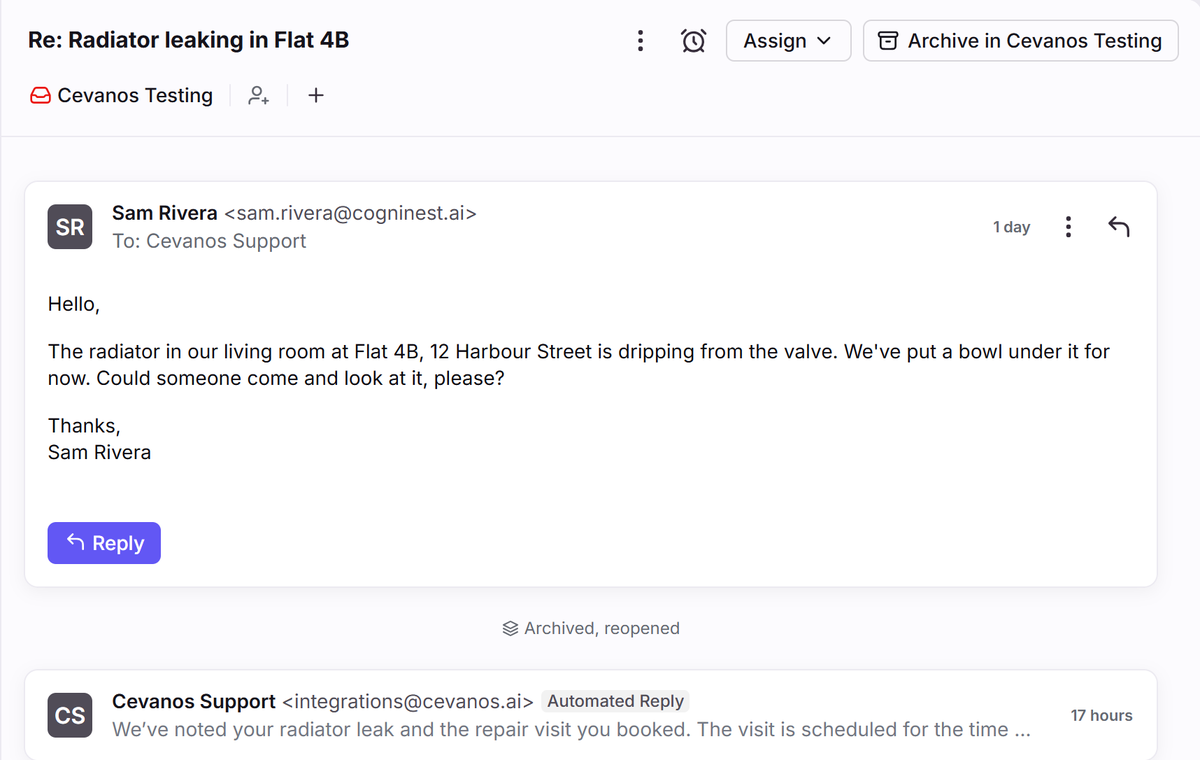
Connect a Front shared inbox to Cevanos and the AI agent can find the customer it is talking to, look up their earlier conversations in that inbox and read what was said, so it answers with the history instead of asking them to repeat themselves. It can reply to the customer on their thread, archive a thread once it is resolved and reopen it, and each of these can be set to wait for a teammate's approval. Cevanos works only in the inbox you choose, never reads internal comments, and can be disconnected at any time.
View a video overview at https://youtu.be/Mphgf-dxJOU
You must have Front company admin permissions to set up the integration.
Instructions
Follow Cevanos' setup guide to get started.
Cevanos developed and maintains this integration, so if you have any questions please reach out to their team at info@cevanos.ai.
Pricing
This feature is available on all plans.