
How to enable and use the Elaichi integration
Overview
Elaichi is a governed AI agent platform for companies. It turns the apps your teams already run into tools that Claude, ChatGPT, Cursor, or any MCP client or the Elaichi Agent can call, all through one company-wide endpoint. Credentials stay in an encrypted vault, tools an admin restricts are never shown to the AI, and every call is logged.
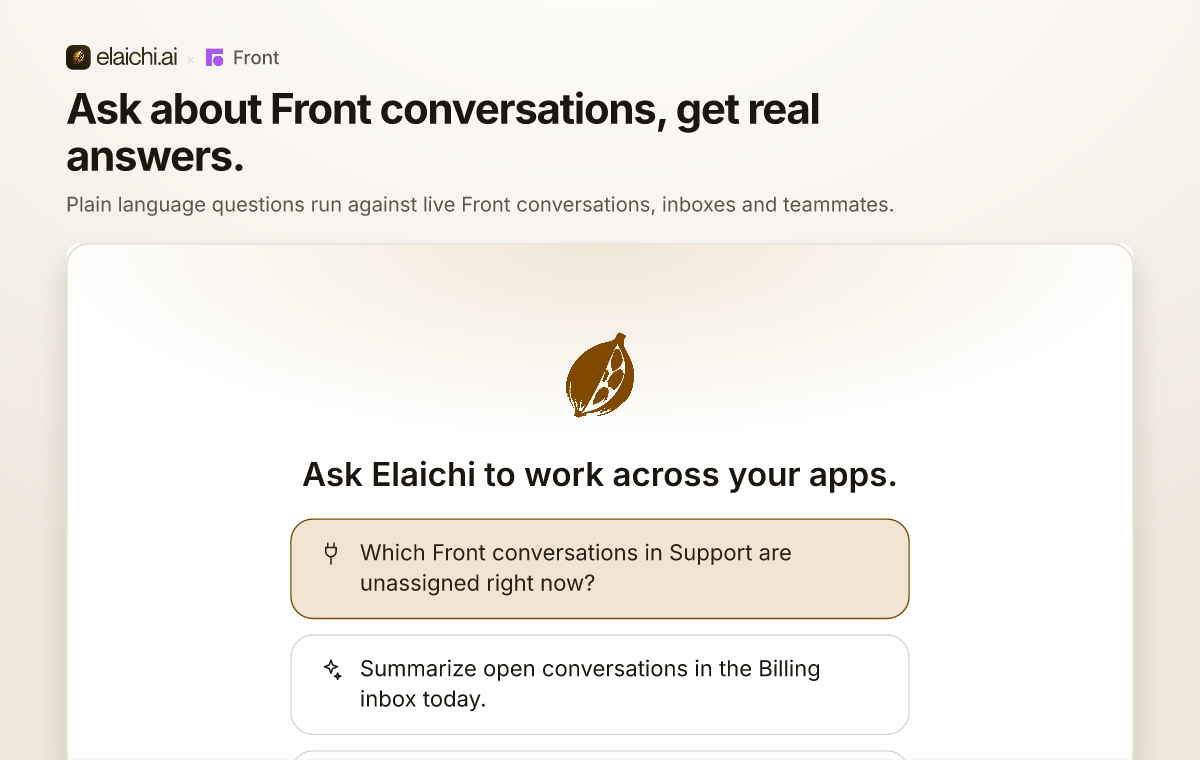
Elaichi brings Front into the AI tools your team already uses, including Claude, ChatGPT, Cursor, or any MCP client and the Elaichi Agent. Ask about open conversations in plain language, pull a customer's full history, draft replies, and tag or update conversations without leaving your AI tool. Every call runs under your own OAuth grant and Front permissions, with role-based rules, SSO, SCIM and an audit log for admins.
View a video overview at https://drive.google.com/file/d/1hmq8iHsp6U53I7paXgkIi5aAlorgGQuX/view?usp=sharing
You must have Front company admin permissions to set up the integration.
Instructions
Follow Elaichi's setup guide to get started.
Elaichi developed and maintains this integration, so if you have any questions please reach out to their team at support@elaichi.ai.
Pricing
This feature is available on all plans.