
How to enable and use the Town integration
Overview
Town is an AI personal assistant for busy professionals. It connects to your email, calendar, and the tools you already use, then proactively drafts replies, preps you for meetings, organizes your inbox, and runs custom routines that handle recurring work automatically. Instead of another chatbot you have to prompt, Town understands your context and takes action on your behalf, so the busywork gets done while you focus on what matters.
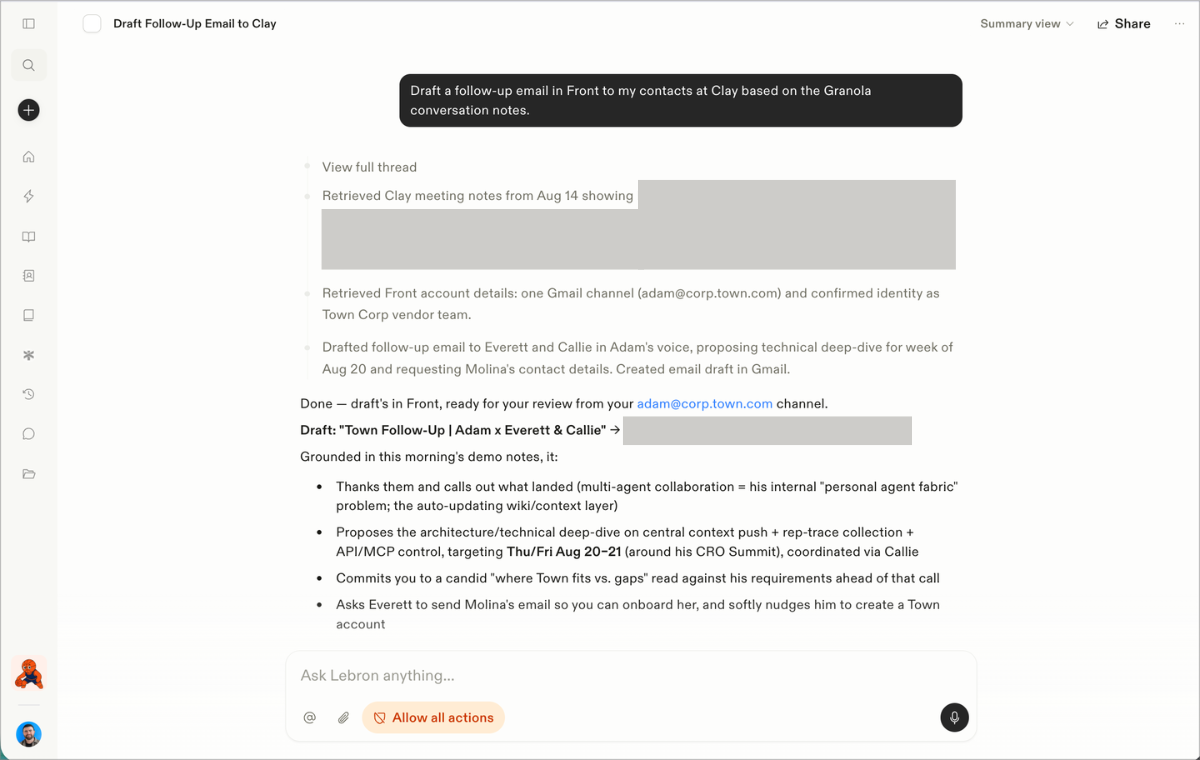
Town is an AI assistant that connects to Front through Front’s official MCP server, using each teammate’s own Front sign-in — so it can only see the inboxes and conversations that teammate can. Once connected, users ask their Town assistant to search and summarize conversations, surface threads still waiting on a reply, and pull customer and account history into briefs and digests.
It can also prepare work inside Front — reply drafts, comments, assignments, tags, and status changes — but every one of those actions is held for the user’s explicit approval before anything happens; nothing is ever sent automatically.
You must have Front company admin permissions to set up the integration.
Instructions
Follow Town's setup guide to get started.
Town developed and maintains this integration, so if you have any questions please reach out to their team at support@corp.town.com.
Pricing
This feature is available on all plans.