
How to enable and use the Intercom plugin
Edited
Overview
The Intercom integration allows you to see contextual information about the customer in the current conversation.
If you’d like to send and receive Intercom messages using Front, see this article.
Instructions
Step 1
Click the gear icon, navigate to company settings, then select App store from the left menu.
Step 2
Search for Intercom in the list of integrations, then click Enable.
Step 3
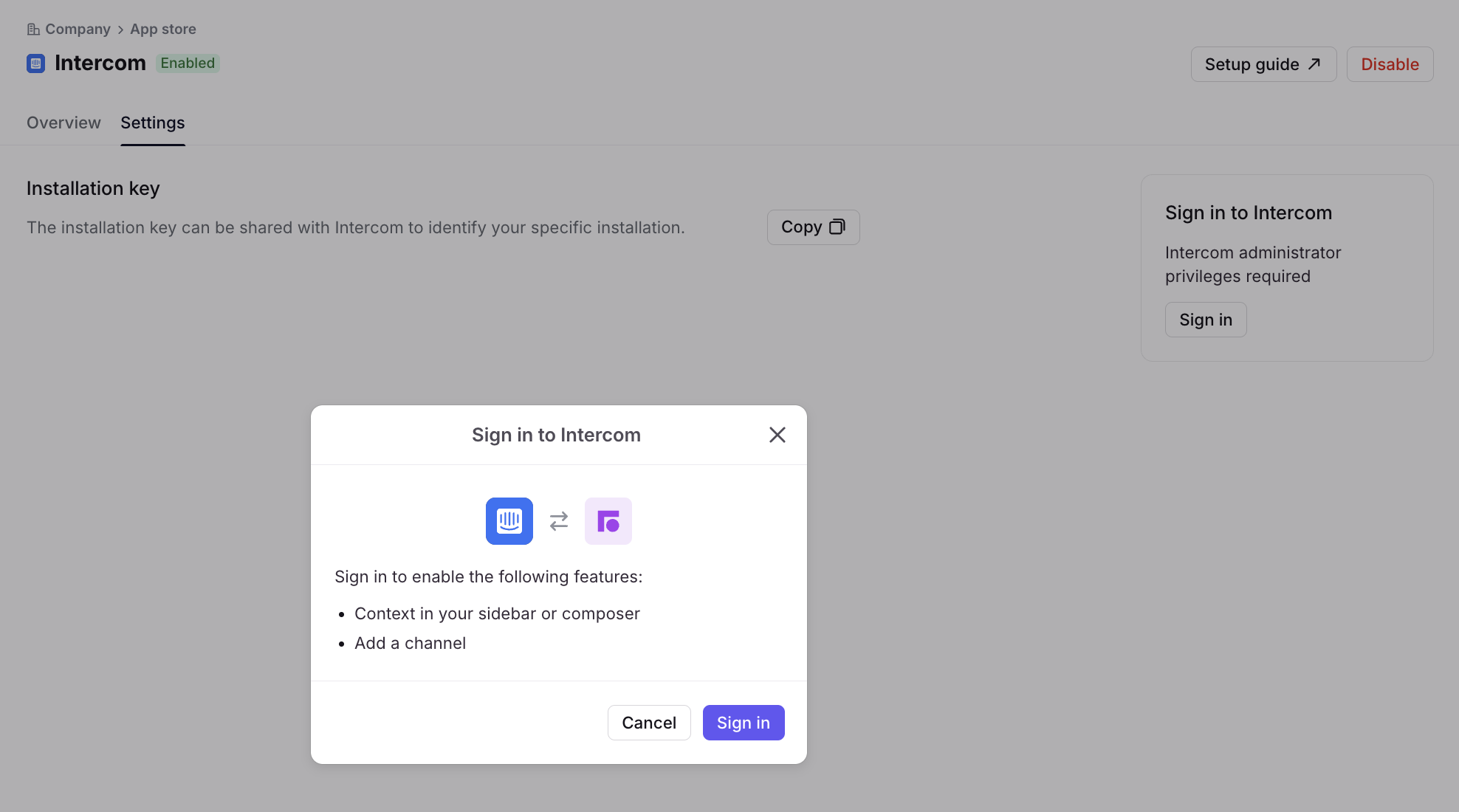
In the Settings tab, click Sign in. Enter your account credentials, then click Save.
Pricing
This feature is available on the latest Professional plan or above.
intercom